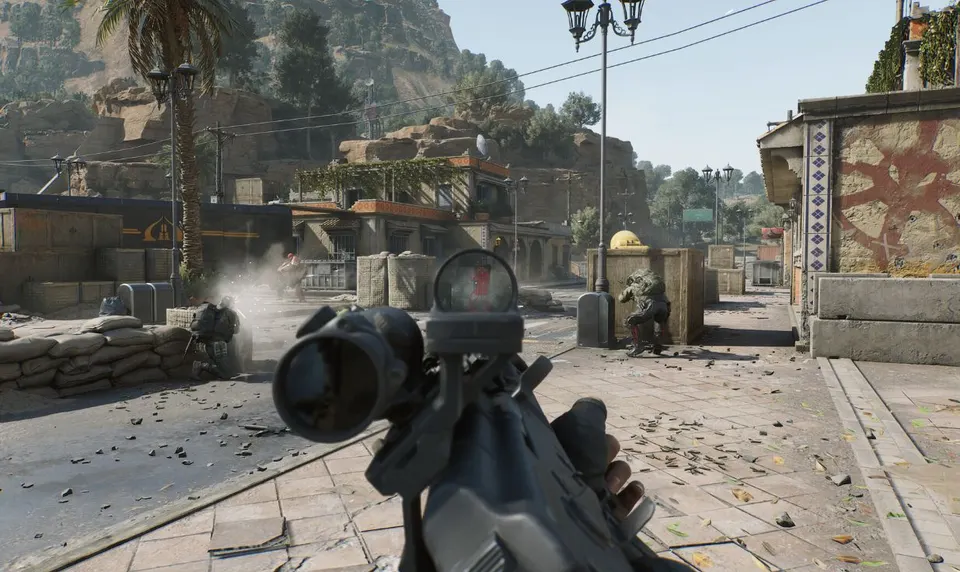
A strong Delta Force aimbot is not just “turn it on and win.” The best results come from a clean settings mix: aim FOV, bone target, prediction, and no recoil. This guide walks through practical starting settings for Operations and Warfare-style fights in 2026.
Use this as a base. Then fine-tune one setting at a time in real matches.
What You Are Setting Up
Advanced Aimbot in a modern Delta Force cheat suite usually has four controls that matter most:
- Aim FOV — how wide the aimbot looks for targets around your crosshair
- Bone target — head, chest, or other lock points
- Prediction — lead on moving targets
- No recoil — keeps spray stable once you are on target
Get those four right and the aimbot feels smooth instead of sticky or wild. For what Advanced Aimbot does in plain language, see Advanced Aimbot Explained.
Best Aim FOV Settings
Aim FOV is the most important feel setting. Too wide and the aimbot snaps to targets you barely looked at. Too narrow and it only helps when you are already almost on them.
Recommended FOV ranges
- Small FOV (tight): best for long lanes and controlled peeks
- Medium FOV: best all-round starting point for most players
- Large FOV: better for smoke, rooms, and close building fights
Start medium. Play a few Operations rounds. If the aim feels too aggressive, lower FOV. If you keep missing close tracks in CQC, raise it a little.
This is separate from your in-game camera FOV. In Delta Force, many players run camera FOV around 100–120 for visibility. Your aimbot FOV should still stay tuned to how you aim — not copied from camera FOV.
Bone Target Settings
Bone targeting decides where shots land.
- Chest / body: most stable starting choice. Higher hit chance in spray fights
- Head: higher damage, but less forgiving if the target strafes hard
- Nearest / auto bone options (if available): useful when enemies are partially behind cover
For most Delta Force hacks users, chest is the best default. Switch to head for clean mid-range picks when you already have good tracking and prediction dialed in.
Prediction Settings
Prediction is what makes Advanced Aimbot strong on moving targets. Without it, the crosshair aims where the enemy was. With it, the aim leads where they will be.
Use stronger prediction when:
- Enemies sprint between cover
- You fight across open lanes
- Targets are in or around vehicles
Use lighter prediction for close room fights where movement is short and bursty. If shots feel like they miss in front of the target, lower prediction. If shots land behind moving enemies, raise it.
No Recoil Setup
No recoil keeps your spray on target after the aimbot locks. In Delta Force, weapons climb and drift during full-auto fire. No recoil removes that fight so more bullets stay on the bone you chose. Dig deeper in No Recoil and FOV Control.
Best practice:
- Enable no recoil for your main AR / SMG loadouts
- Test each gun you actually use — do not assume one value fits all
- Combine with aimbot FOV so acquisition and spray control work together
In the game itself, breath control and attachments also help recoil. Your cheat no-recoil layer should still be the main stabilizer when you want consistent full-auto tracking.
Recommended Starting Presets
Preset A — Balanced (best for most players)
- Aim FOV: medium
- Bone: chest
- Prediction: medium
- No recoil: on
Use this for mixed Operations fights — buildings, mid-range peeks, and rotates.
Preset B — CQC / Smoke
- Aim FOV: medium-high
- Bone: chest
- Prediction: low to medium
- No recoil: on
Better for rooms, smoke pushes, and fast target switches.
Preset C — Long Lane Control
- Aim FOV: low to medium
- Bone: chest or head
- Prediction: medium to high
- No recoil: on
Better for open sightlines where you want cleaner tracking and less sticky close grabs.
How to Test and Fine-Tune
Do not change five settings at once. Use this order:
- Set bone to chest and turn no recoil on
- Find a medium aim FOV that feels natural
- Adjust prediction on moving targets
- Only then switch bone to head if you want more damage
Test in real matches, not only empty ranges. Delta Force fights change fast — smoke, vehicles, and third parties will show if your setup is too wide or too weak.
Pairing Aimbot With ESP
Aimbot works best with Player ESP. ESP shows who is behind walls and smoke. Aimbot is ready when they peek. Add Weapon ESP and Vehicle ESP if you want loot and rotate control too, but for pure gunfights, Player ESP + Advanced Aimbot + no recoil is the core stack. Full overlay presets are in the ESP Configuration Guide.
Quick Setup Checklist
- Start with medium aim FOV and chest bone
- Turn no recoil on for your main guns
- Tune prediction for moving targets
- Use wider FOV for CQC, tighter FOV for long lanes
- Change one setting at a time
That is the cleanest way to set up a Delta Force aimbot in 2026 — stable, readable, and built for real Operations fights.